Identity
PAN (mandatory for any monetary use on Indian skill-game platforms). One PAN per account.
Safety is a reader skill. KYC, payment rails, withdrawal timelines and phishing red-flags.
Reader-facing safety
Below is a guide to the safety decisions a reader makes — documents they upload, networks they use, messages they trust. We do not invent phone numbers, support emails or app versions; we describe what an operator should expose and what the reader should do before they trust it.
KYC walkthrough
PAN (mandatory for any monetary use on Indian skill-game platforms). One PAN per account.
One proof of address — Aadhaar, voter ID, recent utility invoice, or a current bank statement. Confirm acceptable formats on the operator's help page.
Some operators require a short "selfie with PAN" upload; some do not. Read the upload dialog carefully before pressing submit.
For withdrawals: a bank account in the same name as the PAN, or a UPI handle tied to the same mobile number.
Expect same-day verification for clean PAN-matched Aadhaar, and 2–5 working days for documents that the operator's KYC team reviews manually. Anything longer than a week warrants an honest customer-care escalation.
Payment-method map
| Method | Typical use | Notes for the reader |
|---|---|---|
| UPI | Deposit + withdrawal | Per-table limits and per-bank ceilings remain in force |
| Netbanking | Deposit + withdrawal | Confirm the operator's listed banks before deposit |
| Cards (debit) | Deposit | Some issuers block real-money gaming transactions; the deposit screen will declare this |
| Cards (credit) | Rarely for real-money gaming | Most issuers decline; check your card's terms |
| Bank transfer (NEFT/IMPS) | Withdrawal | Slowest rail; only when other options are not available |
Method availability varies by operator and jurisdiction. Always confirm the deposit and withdrawal pages themselves before initiating.
What is normal at withdrawal
A normal withdrawal on a real-money rummy product takes between 30 minutes and 24 hours after KYC is complete. Withdrawal screens commonly show a queue position; an "in review" status is normal during business hours and outside of them as well.
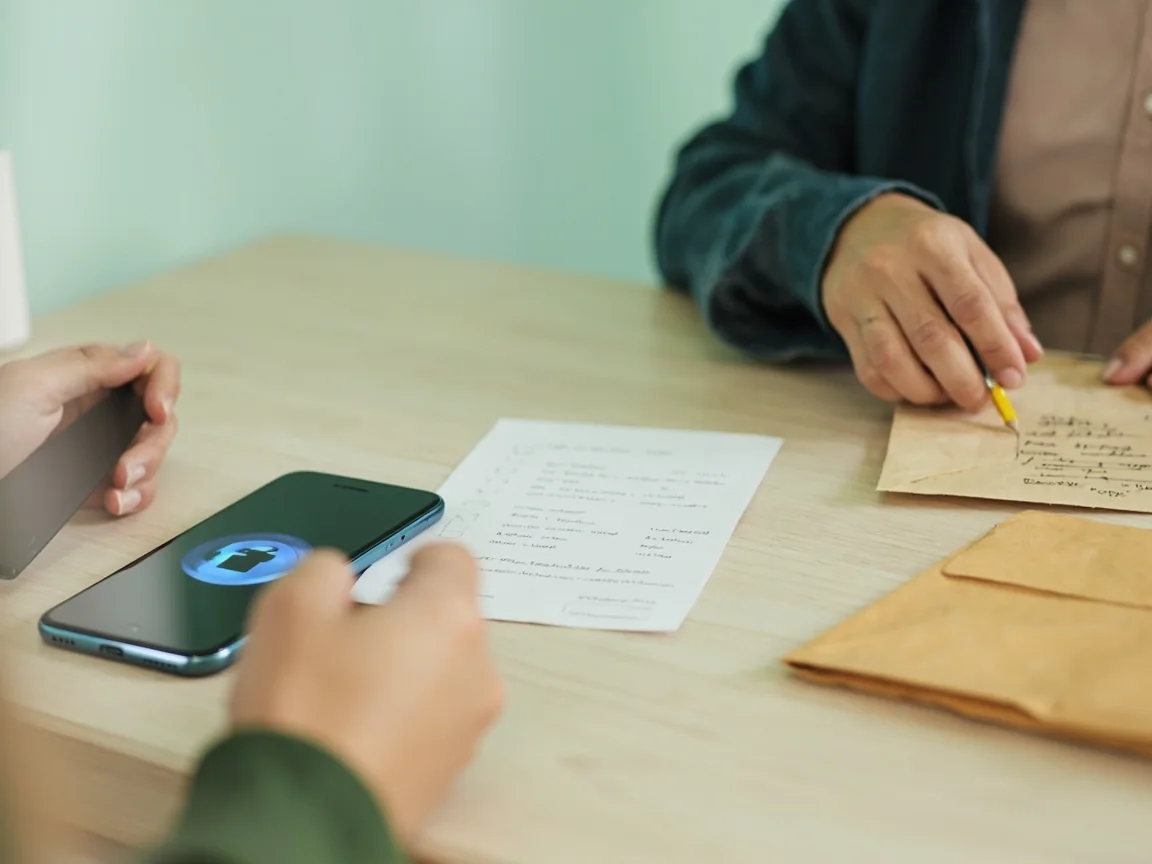
Phishing red flags
| Pattern | Reader action |
|---|---|
| An unsolicited SMS claiming "your account is suspended, click here" | Ignore. Open the operator's app or website directly |
| Email asking for password, PIN, OTP or CVV | Operators do not ask for these |
| A "customer care" number found via search engine | Open the operator's app → help → customer care to retrieve the number |
| A bonus offer that requires depositing first | Read the fine print in the published T&Cs before committing |
| A support chat asking to install remote-access software | Decline. Operators do not need to access your device |
Urgency rules